

Computers
A plain-English guide to the parts inside a computer and what each one actually does.
- explainers
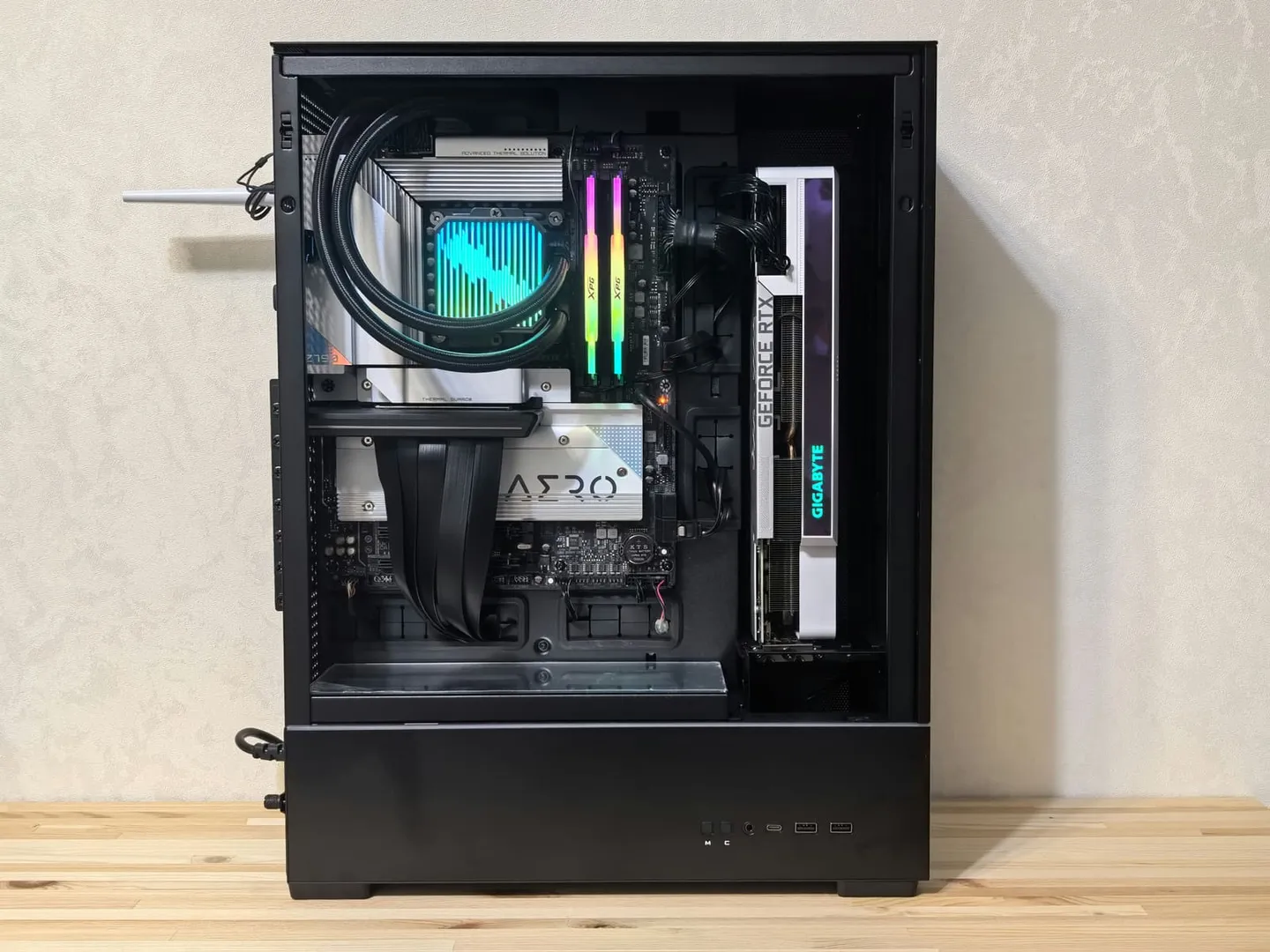
What is a computer?
Let’s ignore all the marketing and branding and focus on the basics.
A computer is a machine.
What does the machine do?
It takes in an input.
It performs some work.
It provides an output.
Whether it’s your phone, tablet, laptop, desktop, smart home appliances, or servers in a data center. At the end of the day, they all process inputs into output.
So what is work?
Work is computation. Super helpful answer. Let’s be specific. Whether it’s crunching numbers on a spreadsheet. Loading your favorite social media platform, posting on it or liking/commenting. Editing a video. Producing a beat. Streaming your favorite shows, movies, and songs. It’s all computation.
All of these examples seem different. But they’re not. Whether it’s doing math, comparing values, or moving data from point A to B. It’s all the same fundamentals, 1s and 0s (binary) whizzing around silicon.
The CPU
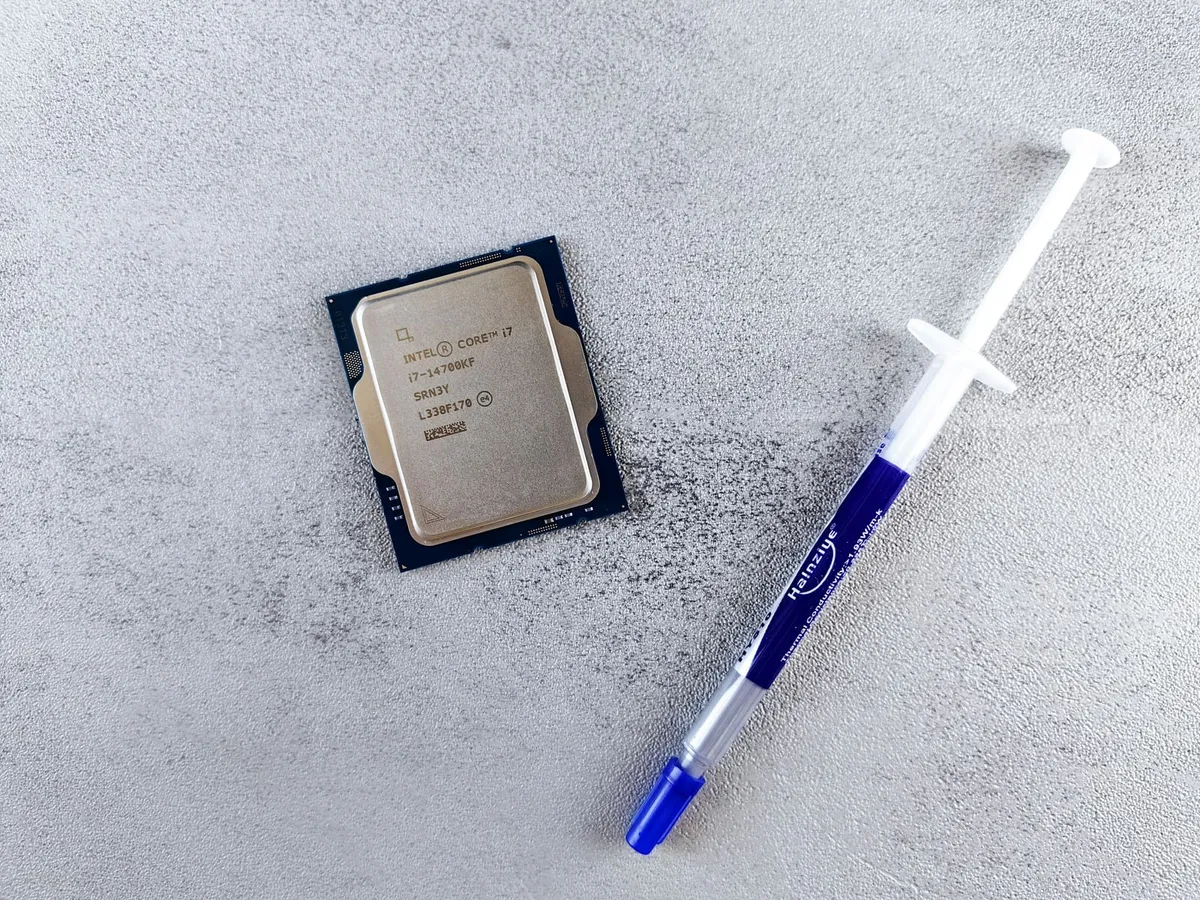
What do those three letters mean?
Central Processing Unit.
In less technical jargon, the brains of the machine. Where the 1s and 0s get processed.
Those things we mentioned in the earlier section, doing math, comparing numbers, moving data. All of this is done by the CPU.
The vocab word for this is Operations. The CPU isn’t a physician, but it performs operations.
Two related words to keep in mind.
Clock Speed. This is usually measured in GHz (giga hertz). This refers to how many clock cycles happen each second. It’s not a one-to-one mapping. But more cycles per second generally means more operations can be performed per second.
The other is Cores. This determines how many “sub-brains” the CPU has to perform operations in parallel.
Memory
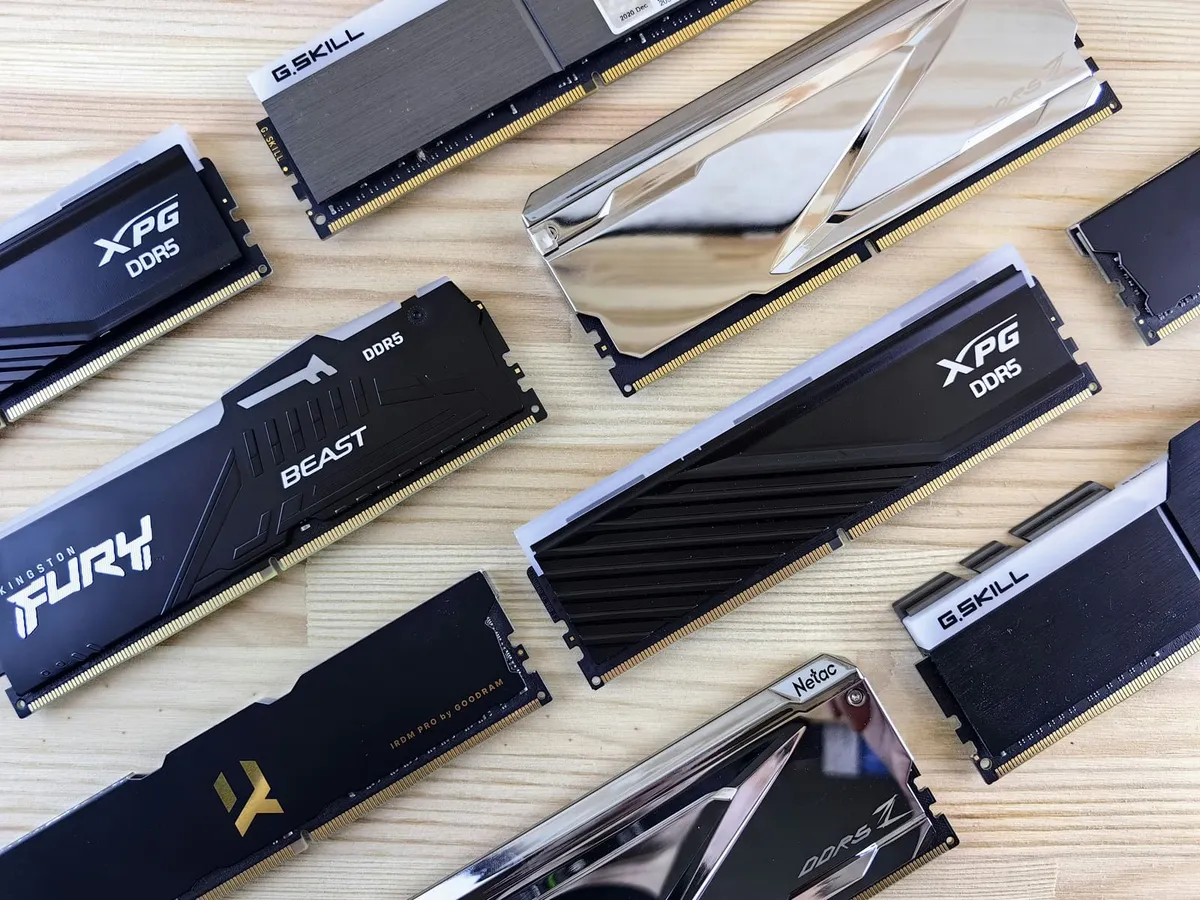
These operations don’t happen in a vacuum. Operations act on data.
Much like our brains, we have information that is immediately available to us and stuff that’s stored in the back of our head.
Computers are similar. The immediately available data is stored in what we call Random Access Memory. RAM or Memory for short.
The more memory a computer has, the more processes it can keep active. Open documents, spreadsheets, slide decks, and most importantly Chrome tabs.
But this isn’t permanent storage, memory gets cleared when the computer shuts down. This is also why turning it on and off again is such a common fix to problems. The full reason is a bit more complex, but the short of it is that it clears the memory.
Disk
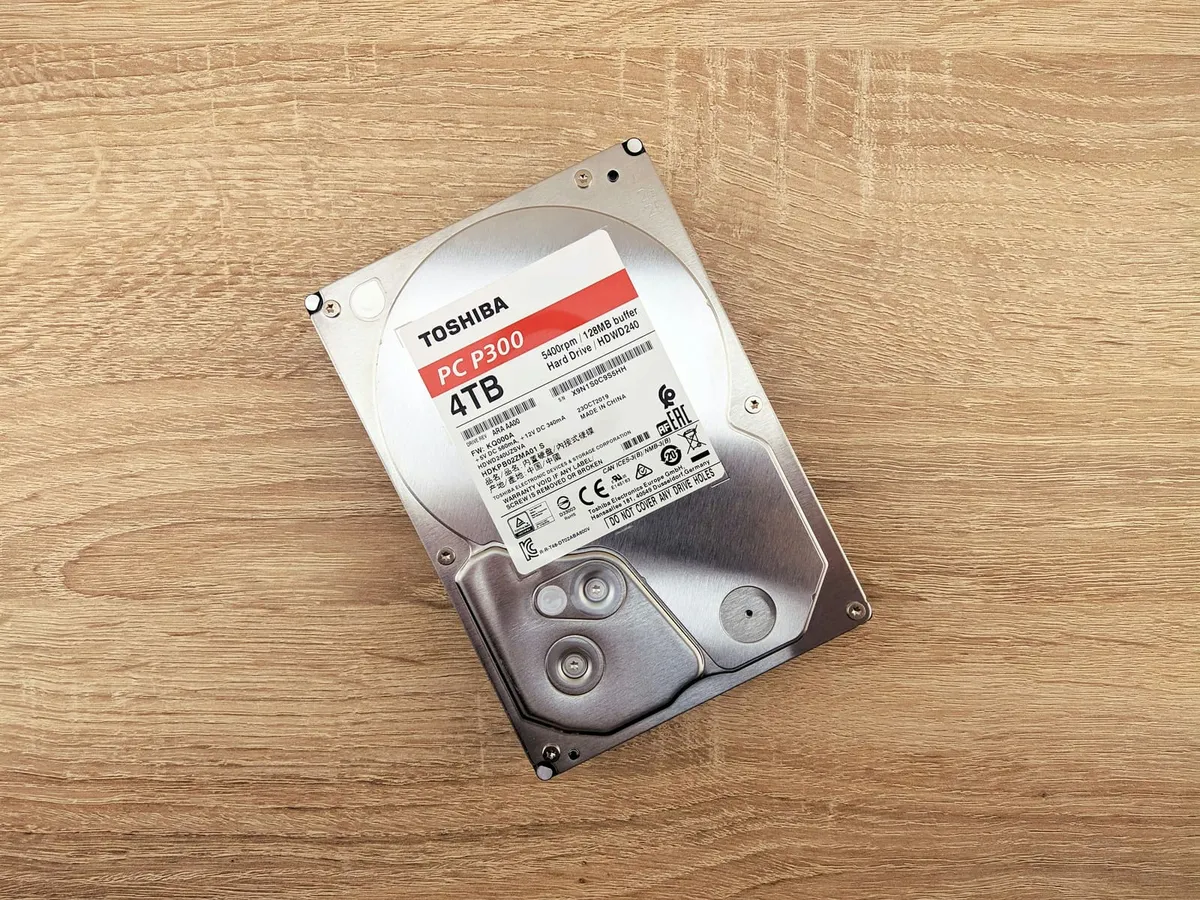
So where does the permanent storage happen?
We call this the Disk.
We’re dating ourselves here, but y’all remember CDs and DVDs right? Those were portable disks with long term data storage.
Before that we had cassettes and VHS.
Computers are similar.
Once upon a time, the long term storage that got loaded into memory was kept on magnetic tapes.
Then stacks of spinning disks in boxes called Hard Drives.
And nowadays we’ve gone digital and Solid State Drives where the data is stored on silicon chips. Quick aside, memory also uses silicon chips to store data, but it uses what we call volatile storage (the jargon is to call it DRAM). Meaning it does not persist between power cycles (reboots). Solid state storage uses non-volatile flash storage, meaning the data persists.
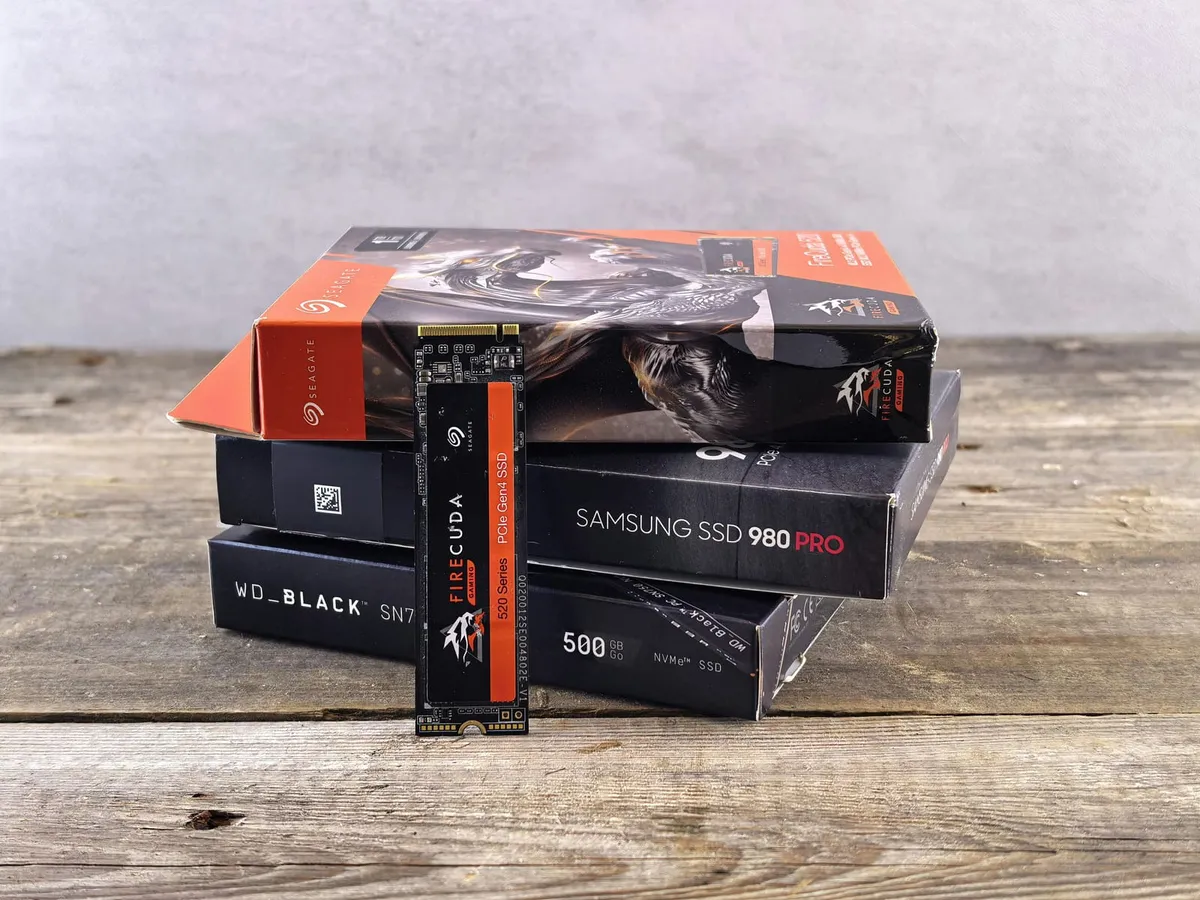
Why don’t we use disk storage for everything?
Because even with the advent of solid state drives, it is still significantly slower than memory.
Much like memory, disk storage can fill up. Though unlike it, turning the computer on and off doesn’t free it up.
Motherboard
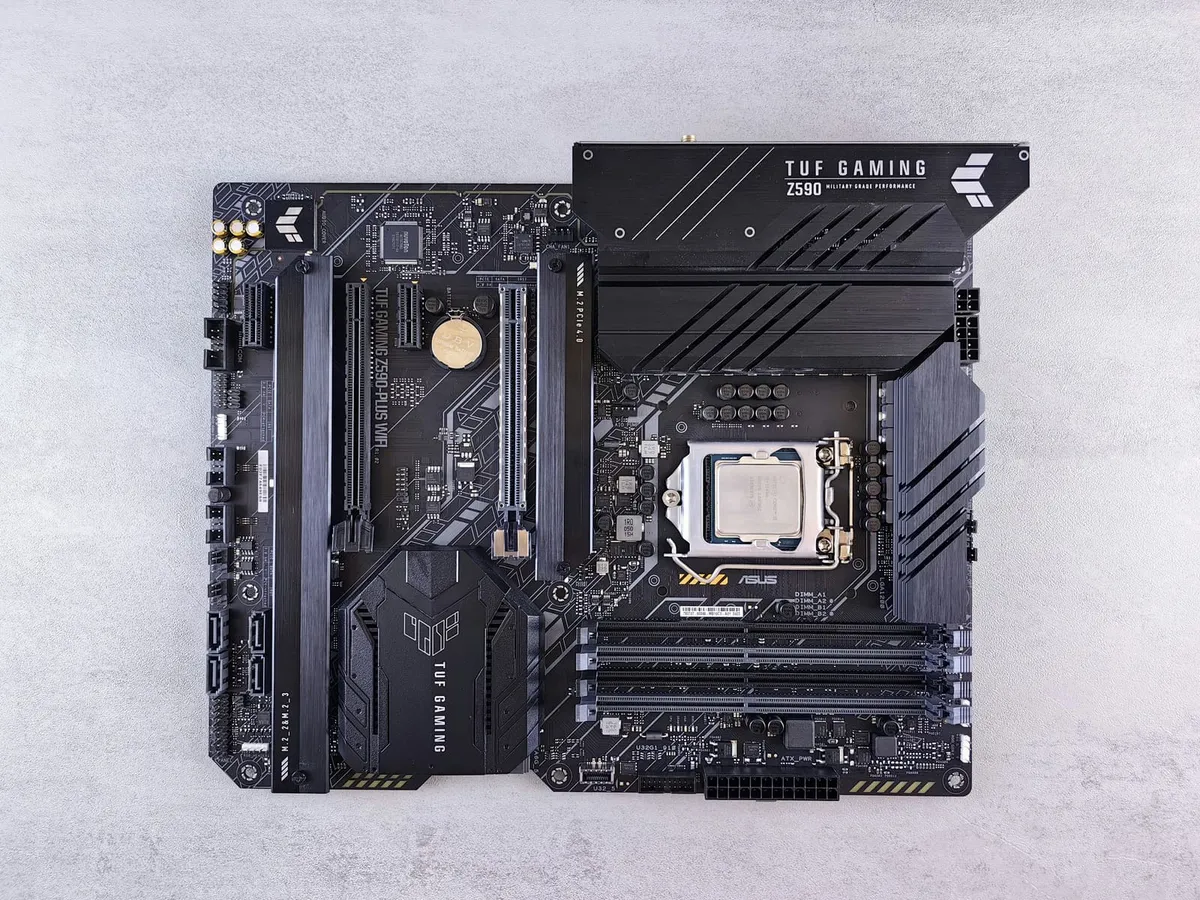
The Motherboard is like the skeleton and nervous system that connects all the various components together.
The CPU sockets into it.
Nearby it, the RAM sticks slot in.
And the disk storage connects to it.
By itself, it doesn’t do anything, but nothing works without it. It’s responsible for wiring up all the components together and negotiating the communication between them.
Networking
One computer is good, but what’s really great is connecting computers together.
This is called Networking. Either with physical wires, or antennas that listen for wireless signals.
To get the fastest possible speeds, a network card can be a separate component that connects to the computer, but nowadays, integrating it into the motherboard is pretty standard.
Sound
How do we get audio in and out of the computer?
We used to have dedicated components that would handle turning the data into an output sound that our ears could hear. And it was responsible for taking microphone input and converting it into a signal that the computer can process.
Much like networking, nowadays, it’s integrated into the motherboard.
Graphics
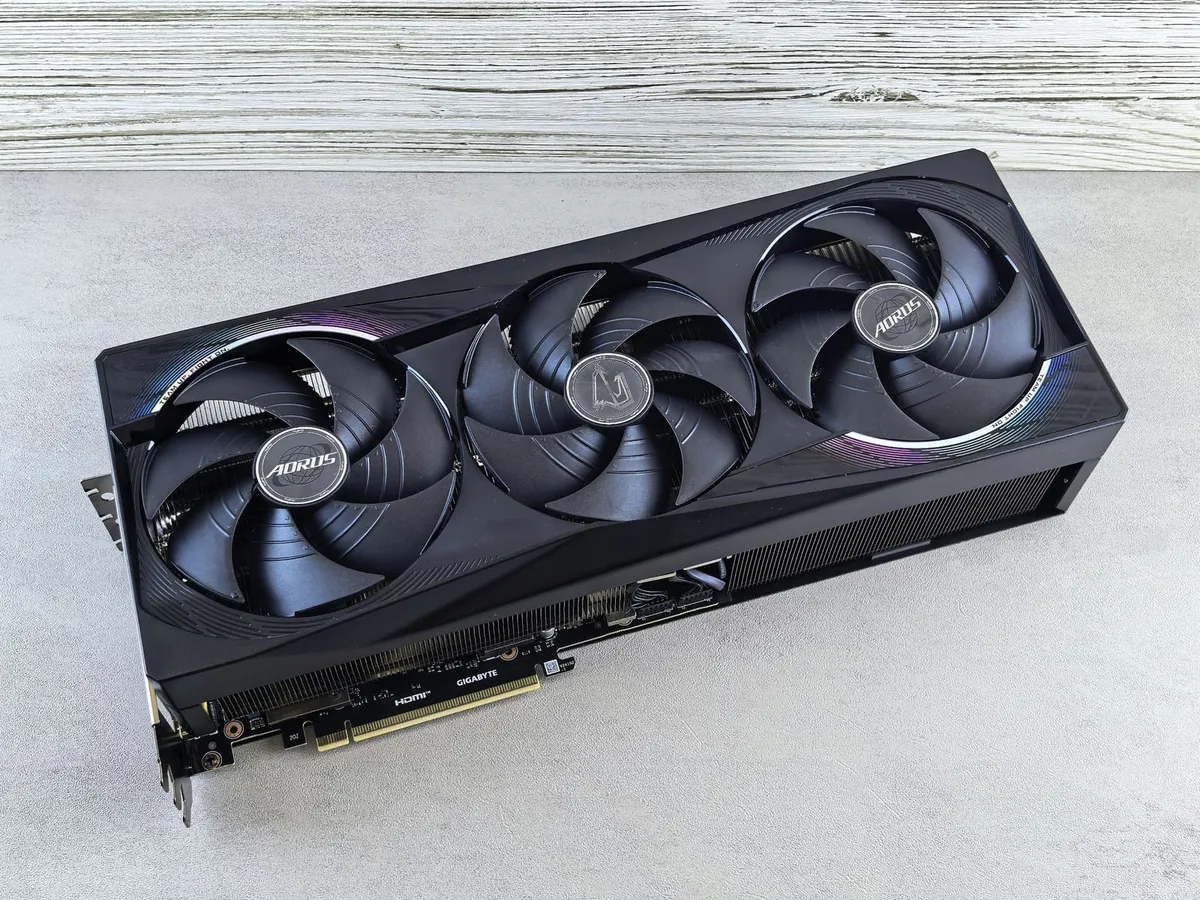
The Graphics Processing Unit or GPU (also known as the graphics card) is what is responsible for doing all the math to draw out what we see on our screens. They have thousands of cores that are dedicated to doing that specific kind of math in parallel.
The CPU is great at general work, but it’s not optimized for all the linear algebra it takes to plot out pixels. Nowadays, most modern CPUs have a GPU bolted on to the chip.
Whether it’s gaming, editing media, training statistical models, or generative AI. For these more intensive tasks, the GPU shines. Though it also tends to be the most power-hungry component in computers.
Power
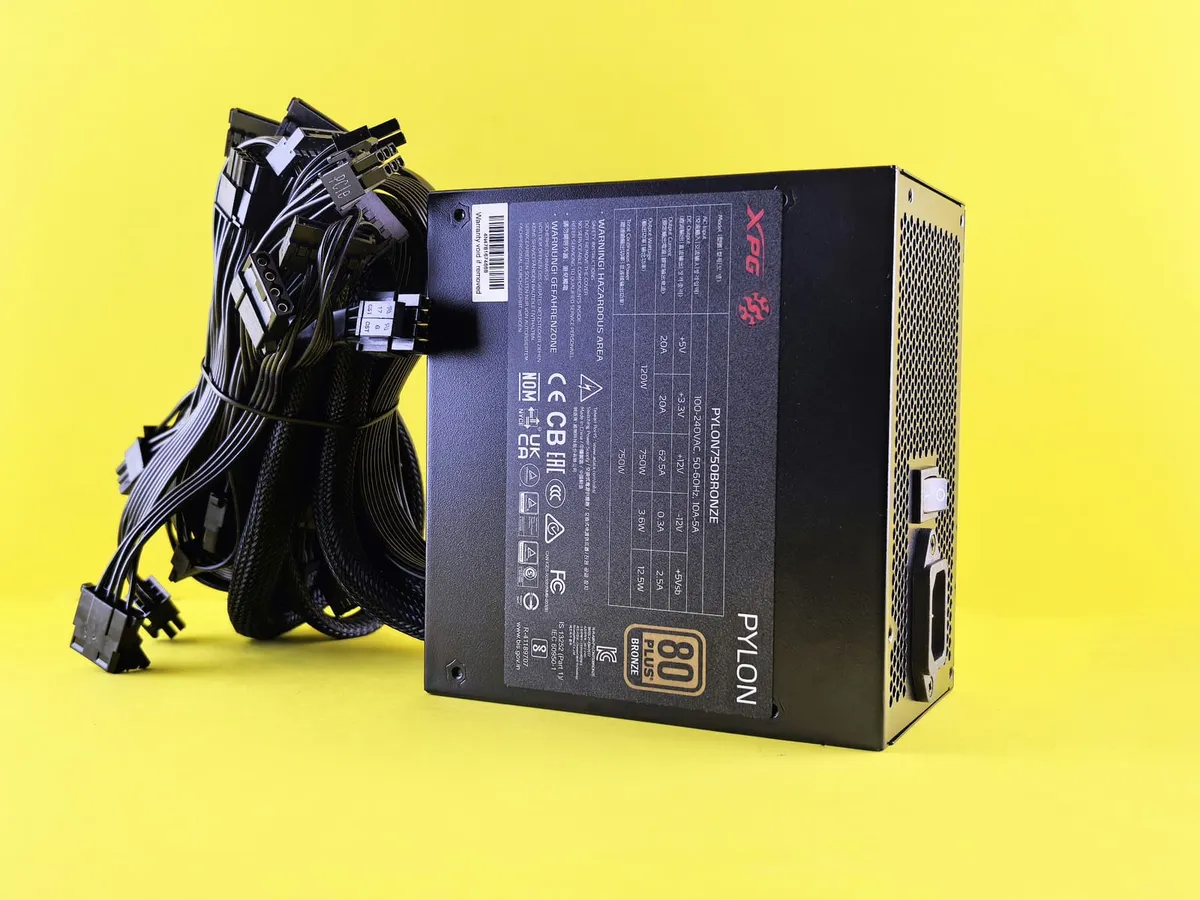
All these individual parts are great and all, but they don’t really work without energy.
The Power Supply Unit, or PSU, is what is responsible for taking the electricity that comes out of the outlet, and converting it into the steady current and the proper voltage that the computer’s parts need.
Similar basic principle applies to portable devices, only we’re using a charger to fuel the battery. Which then passes power onto the rest of the system.
It’s not glamorous, but nothing works without it.