

Internet and Pages
Explaining all the scary terms and acronyms associated with the web
- explainers
What Is The Web?
First, let’s start with what the internet is.
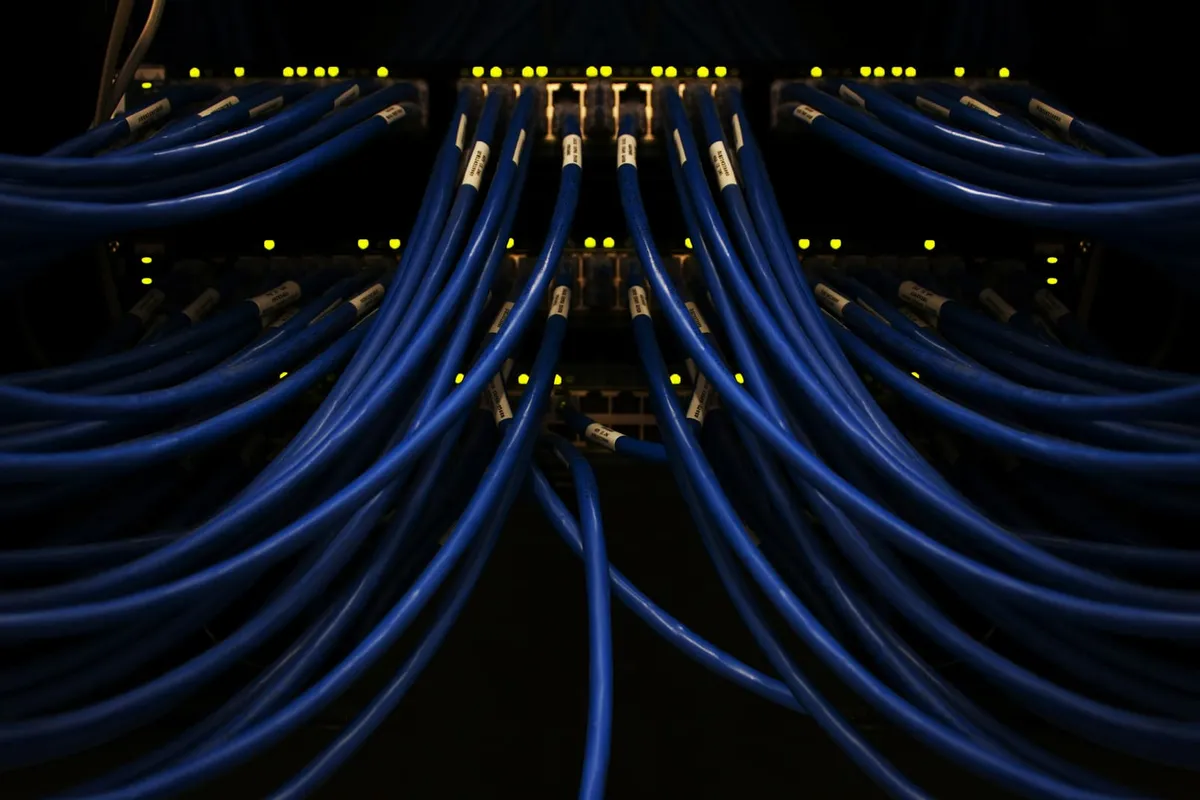
Nowadays we have mobile cell towers and WiFi.
But the backbone is still a physical network.
Originally there was ARPANET. Funded by the Department of Defense’s ARPA, it connected computers in universities so that researchers could more easily share information.
The source machine would send a message. Which gets broken into small packets. And then sent across the network. They would arrive in any order, and get reassembled at the destination. Even if one line was out of commission, the data could get rerouted.
Eventually, we wanted to connect different networks together. And so the Transmission Control Protocol (TCP) and Internet Protocol (IP) were invented to create a common communication language for these hosts (any computer on the network).
After a certain point, it became untenable to remember all the different internet addresses. And so Domain Name System (DNS) came around. Similar to a phonebook, it took a human readable address like https://www.dullahan.io and mapped it to the computer readable IP Address.
So how is the internet different from the web?
The internet had a specific set of users. Specialists who sent emails and files to each other.
It wasn’t accessible to the general consumer. For that, we needed a couple more inventions: URLs, HTTP, HTML, and browsers.
We’re throwing a lot of vocab words at y’all so let’s break them down.
Uniform resource locator (URL). Using our example from earlier, https://www.dullahan.io is our URL. Within that, www.dullahan.io is our domain. When you load up the website, your computer sends a message to the DNS provider to convert the human-readable address to the host IP Address. It then sends a second message to the host. When the host receives the message, it then returns a response containing the information that gets loaded up on your screen.
Hypertext Transfer Protocol (HTTP). These are the communication rules that define the shape of our incoming messages (requests) and their responses. This allows for consistency in how machines communicate with each other over the internet. Nowadays, we mostly use Hypertext Transfer Protocol Secure (HTTPS). Like the name suggests, it is secure. That means that the messages are encrypted so that only the two parties can decrypt them. Anyone snooping gets nonsense characters. So going back to our address from earlier, https:// defines the protocol we use to connect to the URL.
Hypertext Markup Language (HTML). If you right click this page and click “Save As”, it will download a file that ends in .html. This is the language we use to describe the structure and content of web pages. At the most basic level, we are sending documents over the network. We’ll get into styling and interactivity later.
Web browser. This is where it all ties together. Building one is a feat of engineering marvel that I would not wish on my worst enemy. But we get to reap the rewards of it becoming a commodity. It is software that ties together URLs, making HTTP requests to the network, and rendering HTML. It abstracts away all the complicated moving parts, and provides us a simple interface to interact with.
HTML and more
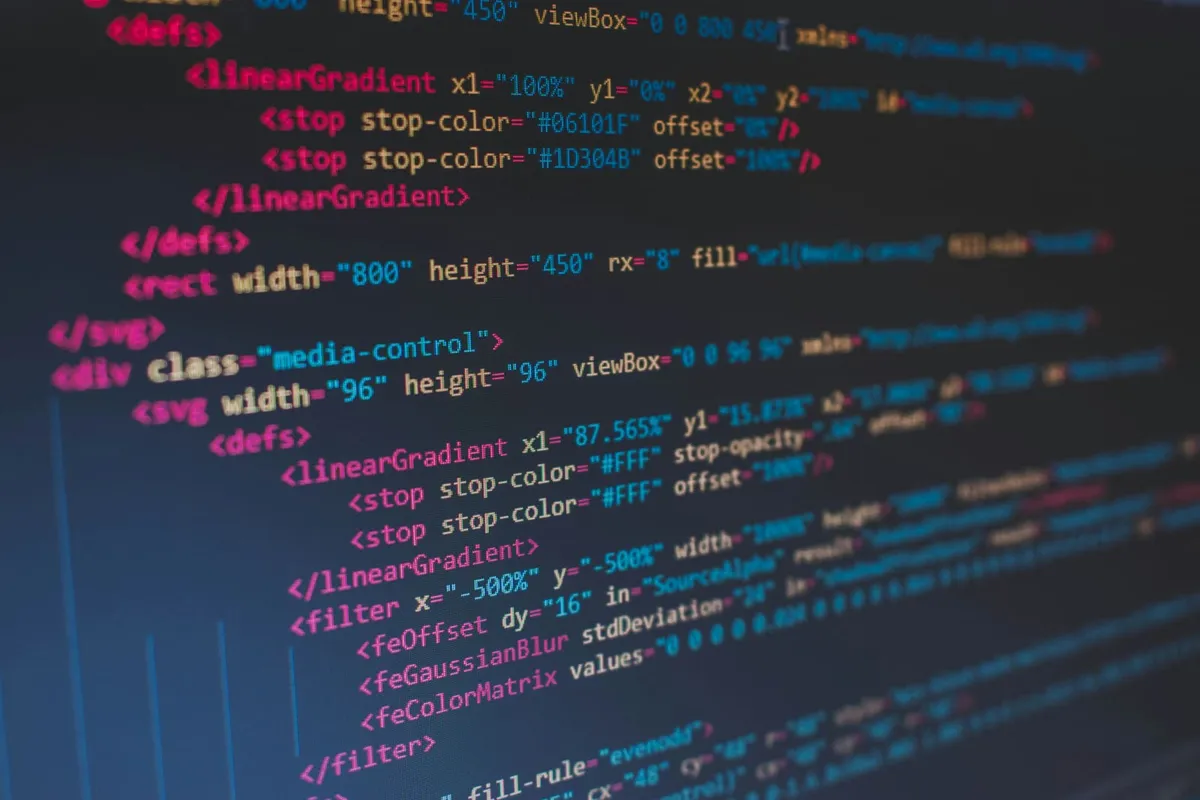
Let’s talk more about HTML.
Programmers use it, but it’s not a programming language. Like the full name says, it is a markup language for hypertext.
In other words, it is a set of labels that define elements. For example, specifying which parts of the page are headers, paragraphs, buttons, links, images, videos, and so on.
Why?
Because it tells the browser how the page is structured and what content exists within it.
What about styling?
Cascading Style Sheets (CSS). This is a separate language that is complementary to HTML. It can exist in the same file or a separate .css one. Regardless of which approach, it allows us to modify the presentation of the page. How content is laid out, fonts, colors, sizing, etc.
What about interactivity?
JavaScript (JS). Now we get to a programming language. Similar to CSS, it can exist within an HTML file or a separate .js file. A program is a defined set of instructions for a computer to perform. For example, if we want a popup with a CTA (call to action) for subscribing to a newsletter, we would write JS to implement that feature.
Takeaways
Important thing to note for anyone commissioning a website. Content and structure, styling, and interactivity are three separate layers. The tighter you couple them, the harder it generally is to make changes.
Thinking of making of making one? Here’s a set of questions we recommend starting with.
Stay tuned for next time when we drill down into data.